For Enquire Call us : 9811631557

Best Advanced Excel Institute in Laxmi Nagar, East Delhi
If you are searching for an Advanced Excel institute in Laxmi Nagar, East Delhi, where Excel is taught practically, clearly, and with real office use in mind, this page will help you understand why Advanced Excel is such a powerful career skill.
Excel is everywhere. From small offices to large companies, from banks to IT firms, from accounts departments to HR teams, Excel is used daily. Yet, most people only know basic Excel, while companies look for professionals who can work faster, smarter, and more accurately using Advanced Excel.
Welcome to SRI RAAM Computer Education, a trusted institute with 20+ years of teaching experience, offering a job-oriented Advanced Excel course designed for students, graduates, and working professionals.
Book a Free Demo Class
If you are looking for a complete Excel Course in Laxmi Nagar covering basic to advanced level, visit our main Excel course page.
Table of Contents
What is Advanced Excel?
Why Advanced Excel is Important Today
Difference Between Basic Excel and Advanced Excel
Who Should Learn Advanced Excel
Why Learn Advanced Excel in Laxmi Nagar, East Delhi
What Makes Our Advanced Excel Course Different
Tools & Features You Will Learn in Advanced Excel
Advanced Excel Course Curriculum (Step by Step)
Teaching Method: Practical & Office-Focused
Career Opportunities After Advanced Excel
Why Choose SRI RAAM Computer Education
FAQs
Start Your Advanced Excel Training Today
What is Advanced Excel?
Advanced Excel means using Excel beyond basic data entry. It focuses on:
using advanced formulas
creating reports and dashboards
analyzing business data
saving time and reducing errors
Advanced Excel is used to:
prepare MIS reports
analyze sales and finance data
manage records efficiently
support decision-making
In simple words, Advanced Excel helps you work like a professional, not just a data entry operator.
Why Advanced Excel is Important Today
Almost every company expects employees to know Excel, but advanced Excel skills make you stand out. Here’s why Advanced Excel is so important:
- Used in almost every industry
- Required for office and corporate jobs
- Helps work faster and smarter
- Improves accuracy and productivity
- Saves time for managers and teams
- Increases job opportunities and salary potential
That’s why many students and professionals look for the best Advanced Excel course in Laxmi Nagar, East Delhi.
Difference Between Basic Excel and Advanced Excel
Many people think they already know Excel. But there is a big difference.
Basic Excel includes:
data entry
simple formatting
basic formulas like SUM, AVERAGE
Advanced Excel includes:
VLOOKUP, HLOOKUP, XLOOKUP
IF, COUNTIF, SUMIF
Pivot Tables
Data validation
Conditional formatting
Charts & dashboards
Data analysis and reporting
Companies usually need Advanced Excel, not just basics.
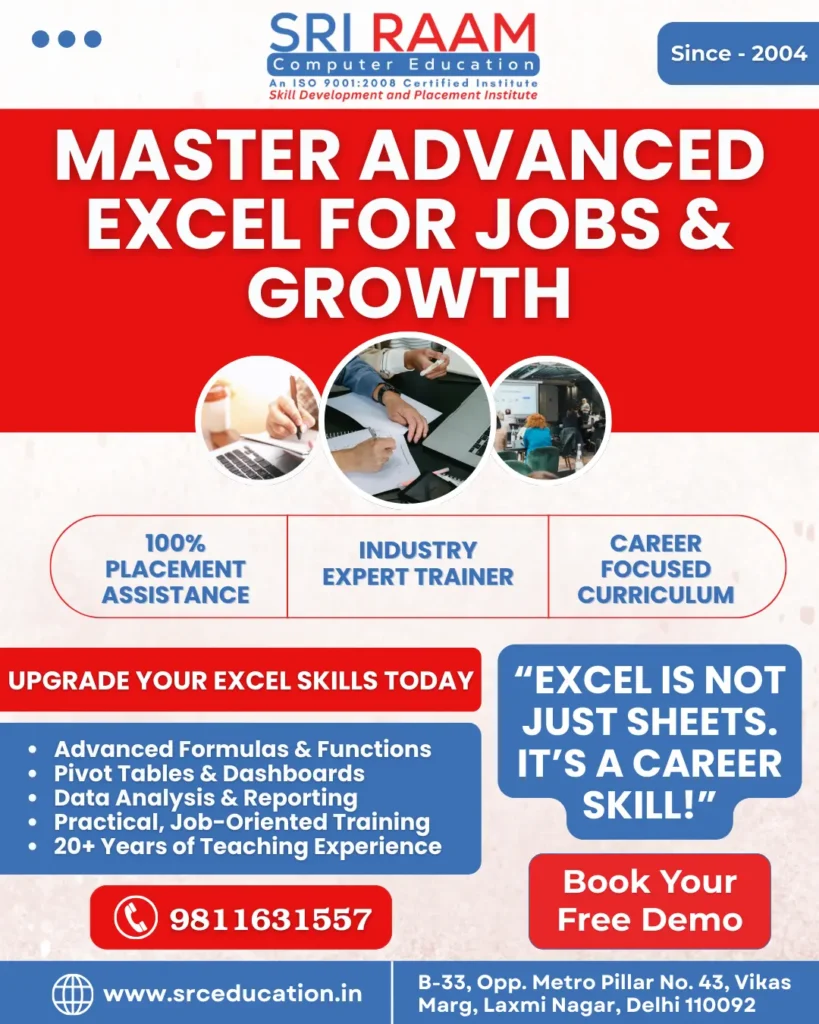
Best Advanced Excel Institute in Laxmi Nagar
Who Should Learn Advanced Excel?
The Advanced Excel course is suitable for:
College students
Graduates from any stream
Working professionals
Office executives
Accountants
HR professionals
Sales & marketing staff
Data and MIS executives
You do not need to be from an IT background. You just need interest and willingness to learn.
Why Learn Advanced Excel in Laxmi Nagar, East Delhi?
Laxmi Nagar is one of the most popular education hubs in East Delhi, known for skill-based and professional courses. Benefits of learning here:
Easy metro connectivity
Affordable training fees
Competitive learning environment
Access from nearby areas
Our institute is easily reachable from:
Laxmi Nagar Metro Station
Preet Vihar
Nirman Vihar
Shakarpur
Mandawali
Mayur Vihar
IP Extension
Karkardooma
This makes SRI RAAM Computer Education a preferred choice for Advanced Excel classes in Laxmi Nagar, East Delhi.
What Makes Our Advanced Excel Course Different
Many institutes teach Excel only theoretically. We teach Excel as it is used in real offices.
- 20+ Years of Teaching Experience: We understand how students and professionals actually use Excel at work.
- Practical Office-Based Training: Real examples from finance, HR, sales, and admin work.
- Beginner-Friendly Teaching: Even if you are slow at first, we guide you patiently.
- Hands-On Practice: Every topic is practiced in class.
- Small Batches: Personal attention and doubt-clearing.
Tools & Features You Will Learn in Advanced Excel
Our course covers the most important Advanced Excel tools:
Advanced formulas & functions
Logical functions (IF, AND, OR)
Lookup functions (VLOOKUP, HLOOKUP, XLOOKUP)
COUNTIF, SUMIF, AVERAGEIF
Data validation
Conditional formatting
Pivot Tables & Pivot Charts
Sorting & filtering large data
Excel dashboards
Report automation basics
All topics are taught using real-world datasets.
Advanced Excel Course Curriculum (Step by Step)
This structure helps learners become confident Excel users.
Module 1: Excel Basics Revision
Excel interface
Data types
Cell referencing
Module 2: Advanced Formulas & Functions
Logical functions
Lookup functions
Text functions
Date & time functions
Module 3: Data Cleaning & Validation
Removing duplicates
Data validation rules
Error handling
Module 4: Conditional Formatting
Highlighting trends
Visual analysis
Smart formatting
Module 5: Pivot Tables
Creating pivot tables
Analyzing large data
Pivot charts
Module 6: Charts & Dashboards
Dynamic charts
Dashboard design
Visual reporting
Module 7: MIS & Office Reports
Sales reports
HR reports
Monthly MIS reports
Module 8: Practical Assignments
Real-life office tasks
Hands-on projects
Teaching Method: Practical & Office-Focused
Our teaching style focuses on:
- clear explanation
- real office examples
- step-by-step learning
- regular practice
- doubt-friendly environment
Students learn how Excel is actually used in jobs, not just theory.
Career Opportunities After Advanced Excel
Advanced Excel opens doors to many job roles, such as:
MIS Executive
Data Executive
Office Executive
Accounts Assistant
HR Executive
Operations Executive
Reporting Analyst
Advanced Excel is also a supporting skill for:
Data Analyst
Business Analyst
Finance roles
Why Choose SRI RAAM Computer Education
20+ years of trust
Experienced faculty
Practical, job-focused training
Beginner-friendly environment
We focus on skills that actually help in real jobs.
FAQs
What is covered in an Advanced Excel course?
An Advanced Excel course covers advanced formulas, Pivot Tables, data analysis, dashboards, MIS reports, and real office-based Excel work.
Is Advanced Excel useful for office jobs?
Yes, Advanced Excel is one of the most required skills for office, corporate, accounts, HR, and MIS roles.
Can beginners learn Advanced Excel?
Yes, beginners can learn Advanced Excel when concepts are taught step by step with practical examples.
Is Advanced Excel different from basic Excel?
Yes, Advanced Excel focuses on data analysis, reporting, automation, and advanced functions, while basic Excel focuses on simple data entry.
Who should join an Advanced Excel course?
Students, graduates, working professionals, office executives, and job seekers can benefit from an Advanced Excel course.
Does Advanced Excel help in salary growth?
Yes, Advanced Excel skills often lead to better job roles, higher responsibility, and salary growth.
Are Advanced Excel classes available near Laxmi Nagar Metro?
Yes, Advanced Excel training is easily available near Laxmi Nagar Metro in East Delhi.
Start Your Advanced Excel Course in Laxmi Nagar, East Delhi
If you want to work confidently in offices and improve your career opportunities, join the Best Advanced Excel Institute in Laxmi Nagar
Address: B-33, Vikas Marg, opp. Metro Pillar No. 43, Laxmi Nagar, Block H, Guru Nanak Pura, Laxmi Nagar, New Delhi, Delhi, 110092
Nearest Metro: Laxmi Nagar Metro Station (Blue Line)